
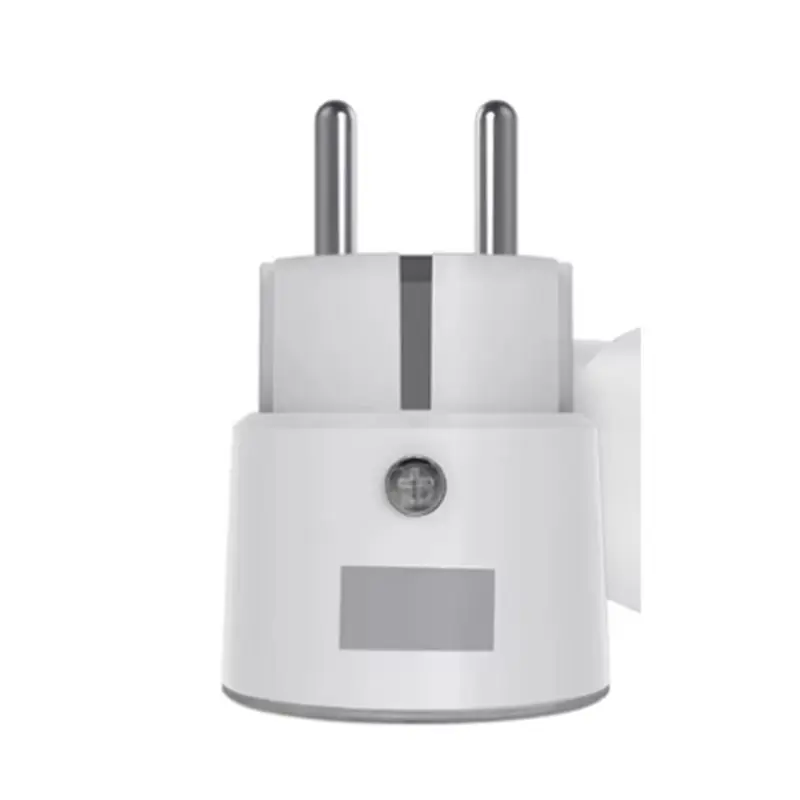
Exploring HomeKit Alternatives for Android Users


Exploring HomeKit Alternatives for Android Users
Key Takeaways
Android has no official HomeKit app, but most HomeKit-branded devices can be controlled via their own Android apps. Link those devices to Google Home or Amazon Alexa for a unified dashboard and routines. Choose Matter-certified products for new purchases to ensure seamless cross-platform compatibility. For strictly HomeKit-only devices, advanced users can use Homebridge/HOOBS as a translator via dedicated hardware.
Just bought a new smart plug or light strip, only to see the box says “Works with Apple HomeKit”? If you’re an Android user, that frustration is valid. Searching the Play Store for a HomeKit app for Android comes up empty, making you wonder if you wasted your money. You haven’t.
Apple designed HomeKit as an exclusive system to ensure smart home devices work flawlessly with its own products. This “walled garden” is great for Apple users but can feel like a locked door for everyone else. An official HomeKit app for Android doesn’t exist for this reason.

However, you can still control Apple Home devices with Android. There are three main paths to get it done, from using a device’s own app to leveraging new universal standards. Here’s how to get everything working together.
Summary
Android has no official HomeKit app, but most “Works with HomeKit” devices also offer Android control via the manufacturer’s app. For unified management, link those accounts to Google Home or Amazon Alexa to create a single dashboard and routines. When buying new gear, choose Matter-compatible devices for seamless cross-platform support. For strictly HomeKit-only devices, advanced users can use Homebridge as a translator running on dedicated hardware.
Your First Step: Does the Device Have Its Own Android App?
Before getting frustrated, check a crucial detail. The “Works with Apple HomeKit” logo means the device is compatible with Apple’s system—it rarely means it’s exclusive to it. Most manufacturers want to sell to as many people as possible, so they almost always provide a direct way to manage their devices from an Android phone.

The easiest solution is usually the manufacturer’s own app. If you have Philips Hue lights, for instance, you can download the “Philips Hue” app from the Google Play Store to manage them. The same is true for other popular brands like LIFX, Govee, or Nanoleaf. This official brand app is your best alternative and often provides full control, completely bypassing the need for HomeKit.
This simple check is also your best strategy when shopping for new smart gadgets. Scan the box or online description for the Google Play Store logo or text like “Works with Google Home” or “Works with Alexa.” Seeing one of these is your green light, confirming you’ll have no trouble. This cross-platform compatibility is key to using a system like Google Home as your universal remote.
Using Google Home or Alexa as Your Universal Remote
Juggling a half-dozen apps to turn your lights on and off isn’t a “smart” home. This is where a true smart home platform like Google Home or Amazon Alexa comes in. Think of them as a universal remote for your entire house, providing a clear HomeKit equivalent for Android by giving you a single place to manage compatible devices from dozens of different brands.
The magic behind this is a process called “account linking.” After setting up a device in its manufacturer app, you open your Google Home or Alexa app and connect it to that service (e.g., “Philips Hue”). You’ll sign in once with your Philips Hue account, giving the platform permission to control the devices you already set up. This is the key to achieving solid Google Home vs. Apple HomeKit integration on the Android side.
The result is a unified dashboard. Your lights from one brand appear right next to a smart plug from another. This provides a powerful cross-platform smart home control app experience, letting you create routines or use voice commands for everything at once.
The Ultimate Fix: Look for the ‘Matter’ Logo on New Devices
While Google Home or Alexa is a great fix for existing gear, you still have to play the compatibility game when buying new products. But what if all smart devices just worked together out of the box? That’s the promise of a game-changing new standard called Matter. Think of it not as another app, but as a universal language that allows products from Apple, Google, and Amazon to communicate directly.
This isn’t a small startup’s idea; it’s a massive collaboration between the big players. The key difference when comparing the Matter protocol vs. HomeKit is simple: HomeKit is Apple’s private language, while Matter is an open one everyone has agreed to use. When you’re shopping, all you need to do is look for the Matter logo on the product packaging.

For any new smart lights, plugs, or thermostats you buy, prioritizing devices with the Matter logo is the single best thing you can do for a future-proof home. A Matter device guarantees it will work with your Android phone via Google Home just as easily as it works for an iPhone user with Apple Home. It’s the ultimate key to making your smart home truly universal.
For Determined Users: How ‘Homebridge’ Acts as a Smart Home Translator
What if you already own devices that are strictly HomeKit-only and aren’t Matter-compatible? For the more tech-curious, there is a powerful, unofficial solution. Software called Homebridge acts like a live translator, listening for commands from third-party Android apps and re-speaking them in the “HomeKit language” that your locked-down devices can understand. It effectively builds a bridge over Apple’s walled garden.
This translator software can’t run on your phone. It needs its own dedicated hardware running 24/7 on a small computer like a Raspberry Pi. This little box acts as a permanent hub connecting your Android phone to your HomeKit devices. To simplify this, systems like HOOBS (Homebridge Out Of The Box) offer pre-built hardware that streamlines the setup process.
While this approach offers the most complete unofficial HomeKit control for Android, it’s definitely a project, not a quick fix. If you enjoy a technical challenge, this is the path for you. For everyone else, focusing on Matter for new purchases and using manufacturer apps for existing gear remains the simplest way forward.
Your Android-Friendly Smart Home Action Plan
Seeing a “HomeKit” logo on a box no longer has to feel like a dead end for your Android phone. Instead of feeling locked out, you have a clear action plan to find the right solution for any situation:
- FOR EXISTING DEVICES: Search the Google Play Store for the brand’s own app first. Then, link it to your Google Home or Alexa app.
- FOR NEW DEVICES: Always look for the ‘Matter’ logo on the box. This is your guarantee it will work without issue.
- FOR STUCK DEVICES: If a device is truly HomeKit-only, explore ‘Homebridge’ as a technical project for full control.
Your Android phone is no longer on the outside looking in. You now have the knowledge to make confident purchases and build a smart home that truly works for you.

You May Also Like

Cool Gadgets for the House

Why Upgrade Home Tech: Energy Savings and Convenience
