
What is the best open source home automation free software


What Is the Best Open-Source Home Automation Software?
Do you have a smart light, a smart plug, and a video doorbell, but find yourself juggling three different apps to control them? What if you could unite everything under one roof, for free? Welcome to the world of open-source home automation, where you become the master of your smart home, not just another user.
Think of “open source” like a community cookbook versus a secret corporate recipe. Because everyone can see the ingredients, the software is transparent, trustworthy, and constantly being improved by its users. This community-driven approach means the best platforms are completely free, with no hidden costs or surprise feature changes.

In practice, this creates a cloudless smart home setup where you can avoid the recurring monthly fees common with many brands. More importantly, your personal data—from camera footage to daily routines—stays with you, inside your home, not on a company’s server. You get total control and complete privacy.
Home Assistant vs. openHAB: Which Is Best for a Beginner?
When exploring free home automation software, you’ll quickly find two names dominate the conversation: Home Assistant vs openHAB. For the vast majority of people just starting their smart home journey, Home Assistant is the clear winner. It’s known for its polished, user-friendly interface that lets you manage and automate devices without ever needing to look at code. Just as importantly, it boasts a massive and active community, meaning help is always available if you get stuck.
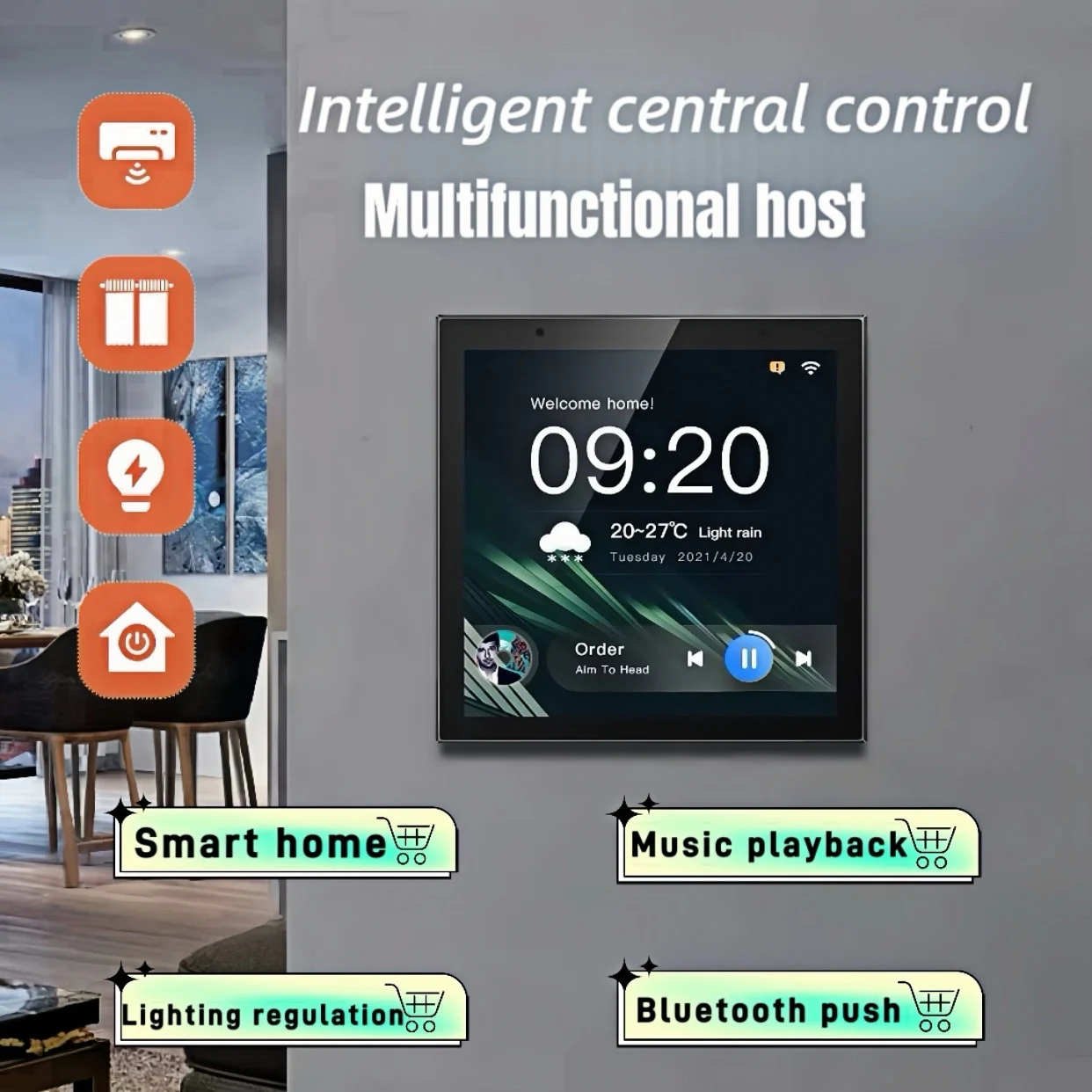
Beyond its welcoming design, is Home Assistant completely free? Yes, completely. There are no subscription fees or hidden costs for the core software. This powerful platform acts as a universal remote for your home, capable of uniting thousands of different smart devices from hundreds of brands. Instead of juggling multiple apps, you get one clean dashboard to control everything from your lights and thermostat to your media players.
Of course, Home Assistant isn’t the only option, and openHAB is often mentioned as one of the best openHAB alternatives for those seeking something different. It is an incredibly powerful and flexible platform with a long history. However, it generally requires more technical know-how to configure and is often favored by users who are already comfortable with a more hands-on, code-driven approach. For a smoother start, sticking with Home Assistant is the recommended path.

Your Simple “Shopping List” for a DIY Smart Home Hub
Okay, so you’re ready to unite your devices. How do you build a DIY smart home hub? It’s far simpler than it sounds and breaks down into a short “shopping list”:
- The Software: Home Assistant, your powerful and free home automation server software.
- The ‘Brain’: A small, dedicated computer like a Raspberry Pi.
- Your Devices: The smart gadgets you already own!
That second item, the “brain,” is likely the only part you’ll need to buy. Most people use a Raspberry Pi for their home automation—a tiny, credit-card-sized computer that sips electricity. Think of it as the dedicated, always-on conductor for your smart home. You set it up once, tuck it away, and it quietly runs everything in the background.
The best part is that you can start small with the smart lights and plugs you already have. This new setup doesn’t just bring them all into one app; it gives them a private, super-fast way to communicate directly inside your house.
The Magic of “Local Control”: A Faster, More Private Smart Home
That direct, inside-your-house communication has a name: local control. Unlike most smart devices that rely on a company’s internet server (the “cloud”) to function, your new hub lets devices talk directly to each other. This is a game-changer. If your internet connection ever drops, your smart home doesn’t—your lights will still turn on and your automations will still run without a hitch.
Because your commands no longer have to travel across the country and back, the response is incredibly fast. When you tap a button to turn on a light, it happens instantly. There’s no frustrating delay, making your entire home feel more solid and reliable than ever before.
Perhaps the biggest benefit, though, is privacy. With a self-hosted setup using local control, your personal data—when you’re home, what devices are on, what routines you run—stays with you. Your information lives on your home’s “brain,” not on a corporate server. This powerful and private foundation is what unlocks the next step: creating smart automation “recipes” that truly work for you.
Beyond On/Off: 3 Simple Automation “Recipes” You Can Create Today
Making your home truly smart is about creating simple ‘recipes’ called automations. An automation is a simple rule: If something happens (a trigger), Then do something else (an action). This simple formula is the key that lets you unify all your smart home devices into a single, coordinated team, all controlled from one app.
Imagine a ‘Welcome Home’ scene. The trigger is your phone arriving home after dark. The actions? The porch light turns on, hallway lamps fade up, and a playlist starts. A single event orchestrates multiple devices from different brands, creating a seamless experience instead of you having to juggle separate apps.
You can also create a ‘Goodnight’ button that locks the doors and turns off every light with one tap. Or, have your home save energy automatically: If no one’s in the living room for 30 minutes, Then turn off the lights and TV. These powerful, custom home automation examples are exactly what open-source software excels at.
Ready to Unify Your Smart Home? Here’s Your Very First Step
You started this article with a collection of smart devices. Now, you see them as the building blocks for a truly connected home—one you control completely with free, private software that respects your privacy.
Getting started with Home Assistant is easier than you think, and your first step requires no new hardware. Discover your smart home compatibility by looking up your current brands on the official integrations page. You will likely be surprised by how much you can already unify.
This isn’t just about deleting a few apps; it’s about graduating from a device user to a home creator. Your DIY smart home journey begins not with a purchase, but with seeing the amazing potential already waiting in your house.

You May Also Like

Enhancing Home Security with a HomeKit Motion Sensor

7 Essential Smart Home Security Tips Every Homeowner Needs
