
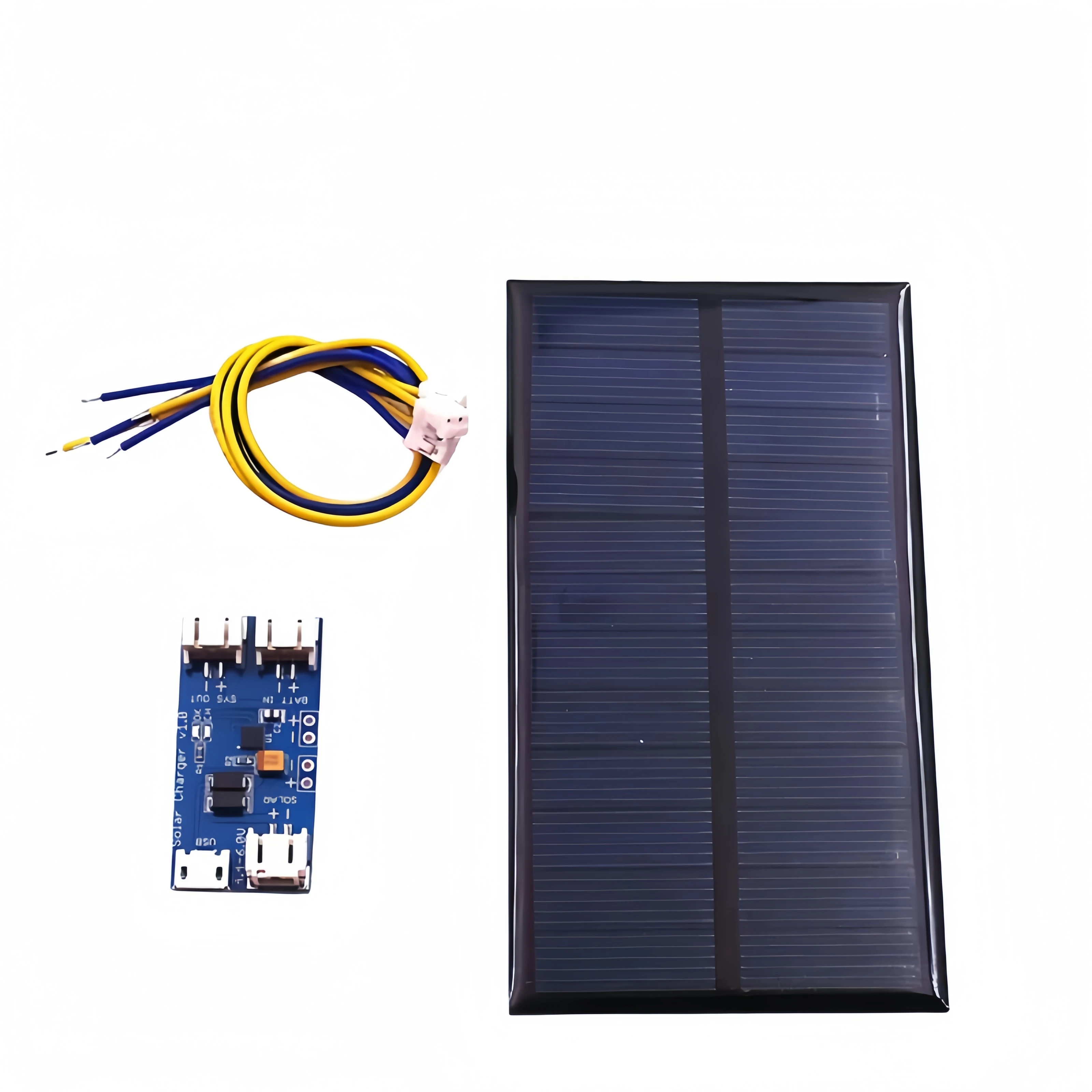
How much sunlight does outdoor solar security camera need


How much sunlight does an outdoor solar security camera need?
You bought a solar camera for one big reason: freedom from climbing a ladder. So why are you seeing that dreaded “low battery” warning again? The problem often isn’t the camera; it’s the huge difference between useless ‘daylight’ and powerful ‘sunlight.’ In practice, the success of your setup depends entirely on understanding how to capture the right kind of sun to keep your device powered.
To see why, think of your camera’s battery as a small power tank. The solar panel is simply the hose that keeps this tank full. Direct, unimpeded sunlight provides strong pressure, filling the tank quickly. But cloudy days or shady spots reduce that pressure to a slow trickle, often not enough to keep up with the camera’s daily power use.

This guide outlines the simple “3-hour rule” for charging and shows you how to optimize your solar security camera placement. You will learn how to ensure your solar camera battery life lasts, even in a shady yard, so you can finally achieve true “set it and forget it” peace of mind.
Why All Sunlight Isn’t Equal: The Critical Difference Between Direct and Indirect Sun
You’ve placed your camera, it’s daytime, so the power tank should be filling up, right? Not always. The most common reason a solar camera battery drains unexpectedly is a simple misunderstanding: not all daylight has the same power. Just as a light drizzle won’t fill a rain barrel, a cloudy day provides very little energy to fill your camera’s battery.
Think of direct sunlight as a powerful, focused spotlight hitting your solar panel. You’ll know you have it when your panel casts a crisp, dark shadow. This is the high-energy light that rapidly fills your power tank. In contrast, indirect sunlight—the general brightness on an overcast day or the light in a shady spot—is like a dim lamp in a large room. This light is up to 90% weaker and provides only a slow trickle of energy, which is why a solar camera won’t reliably charge on a cloudy day.
To keep your camera running without worry, your panel needs that powerful “spotlight” of direct sun. A whole day of weak, indirect light often can’t replace the power your camera used overnight. This is why the question isn’t just about daylight, but about how many direct sunlight hours are needed for your solar camera to thrive. Getting this right is the secret to a truly maintenance-free setup.

The 3-Hour Rule: Your Daily Sunlight Goal for a Charged Camera
So how many of those powerful, direct sunlight hours does your camera actually need? As a reliable starting point, aim for three hours of direct sun per day. Think of this as the minimum daily deposit needed to keep your camera’s “power tank” from running empty. For the average home, three hours of strong, direct sunlight hitting the panel is enough to replace the energy used overnight and handle a typical day’s worth of activity.
Fortunately, these three hours don’t have to happen all at once. Your panel is perfectly happy to collect an hour of intense sun in the morning and a couple more in the afternoon. What truly matters is the total amount of direct exposure it gets throughout the day. The only catch is that during those hours, the panel needs a clear, shadow-free view of the sun. Even the shadow from a single tree branch can turn that powerful energy source back into a weak trickle.
Of course, this 3-hour rule is a guideline, not a guarantee. If your camera is watching a busy street and recording constantly, its power spending is higher, so it will need a larger “deposit” of sunlight. Likewise, during cloudy winter months when the sun is weaker and days are shorter, you may need to find a spot that gets four or more direct sunlight hours needed for a solar camera to stay charged. Getting this right is all about finding the best possible position for your panel.
Finding the ‘Sweet Spot’: How to Position Your Panel for Maximum Sun
Step-by-Step Aosu Solar Wireless D1 Camera Setup: Your Complete Guide: Seamless Top-Notch Security!
Knowing you need three hours of sunlight is one thing; actually finding a spot that gets it is another. Proper solar security camera placement for maximum sun is less about luck and more about a little bit of planning. The direction your panel faces and the shadows it encounters throughout the day can mean the difference between a fully charged camera and a dead one.
For anyone in the Northern Hemisphere (that’s the US, Canada, and all of Europe), the golden rule is simple: face your panel south. Think about the sun’s daily journey—it rises in the east, travels across the southern part of the sky, and sets in the west. A south-facing panel is positioned to catch the most rays for the longest period, dramatically increasing its charging potential. If you can’t face it perfectly south, southeast or southwest are the next best options.
To be certain you’ve found a winner, perform a quick “Sun Audit” before you drill any holes. It’s a simple three-step check:
- Go outside at 10 AM, 12 PM, and 3 PM.
- Look at your planned mounting spot.
- Is it in full, direct sun, or is it in shade?
Pay close attention to “sun blockers” like a roof eave, a nearby chimney, or a leafy tree branch. A spot that’s sunny at noon might be in deep shade by 3 PM, cutting off your panel’s power supply just when it needs it. Getting your panel position right is the most important step for ensuring a steady “power income.”
Your Camera’s ‘Power Budget’: What Drains the Battery Fastest?
Think of your camera’s battery like a simple financial budget. The direct sunlight your panel receives is your “power income,” while every action your camera takes is a “power spending” withdrawal. To keep your camera online, your income must be greater than your spending. Getting lots of sun is only half the battle; managing how your camera uses that power is just as crucial for maintaining a healthy balance.
The biggest expenses in your power budget are frequent recordings and live viewing. A camera pointed at a quiet backyard might only record a few times a day, making it a very low “spender.” In contrast, one watching a busy sidewalk or driveway is constantly waking up to record, draining its battery much faster. Every time you open the app to check the live feed, you’re also making a significant withdrawal, which can shorten the solar camera battery life without sun during a string of cloudy days.
Another major, often overlooked, expense is night vision. To see in the dark, your camera uses small infrared LEDs that are invisible to our eyes but require a steady supply of power all night long. This constant, low-level drain is like a small, recurring subscription fee that slowly eats away at your battery reserves from dusk until dawn.
Ultimately, your camera’s location and settings determine its security camera power consumption. A high-traffic area is a high-spending environment that requires more daily sun “income” to keep up. For these spots, a solar camera with large battery capacity—essentially a bigger power savings account—can provide a much-needed buffer. If your power budget isn’t balancing, don’t worry; there are simple fixes you can try.
Troubleshooting: My Solar Camera Isn’t Charging! 4 Simple Fixes to Try
Even the best-placed solar camera can sometimes struggle to keep its battery full. The fix is often surprisingly simple, as a gradual buildup of dust, a loose cable, or even a change in seasons can be the culprit behind a solar security camera not charging issue. These common problems effectively create artificial shade, drastically reducing your solar panel efficiency in shade and starving your camera of the power it needs.
Running through this quick checklist solves the vast majority of charging problems and takes only a few minutes.

- Clean the Panel: Gently wipe the solar panel with a soft, damp cloth to remove any dust, pollen, or bird droppings.
- Check the Connection: Unplug the small cable from the panel and plug it firmly back into the camera’s charging port. Make sure it’s seated all the way.
- Re-Check the Sun’s Path: Is there new leaf growth on a nearby tree? Remember, the sun is lower in the sky during winter, which can put a previously sunny spot in the shade.
- Lower Your ‘Spending’: As a temporary fix, open your camera’s app and reduce the motion sensitivity. This gives the panel a chance to catch up on a few low-sun days.
Completing these checks will dramatically improve your solar camera charging efficiency. A clean panel and a secure connection ensure every available sunbeam is captured and delivered to the battery. And by being mindful of the changing seasons and your camera’s activity level, you can make sure your “power budget” stays balanced.
Winter, Rain, and Clouds: Your Survival Guide for Low-Sunlight Seasons
The biggest test for any solar camera isn’t a single cloudy day, but the long, gray stretch of winter. So, do solar security cameras work in winter? Yes, but you have to adjust your expectations. In winter, the sun hangs lower in the sky and the days are much shorter, which means your panel has fewer hours to catch that powerful, direct sunlight. The three hours of direct sun you easily got in summer might only be one hour in winter, drastically reducing your daily “power income.”

Similarly, you might wonder will a solar camera charge on a cloudy day? Technically, yes—but very, very slowly. Think of it as a tiny trickle filling your power tank while the camera continues to use power at its normal rate. During a long week of rain, your camera is almost certainly spending more power than it’s making. Your goal shouldn’t be to recharge during these times, but simply to make the stored battery power last as long as possible.
The secret to surviving these low-light periods is to become proactive with your power budget. Instead of waiting for a low battery warning, adjust your camera’s settings before the bad weather hits or at the start of winter. By temporarily lowering motion sensitivity, you drastically cut its daily “spending.” This simple act of conservation can stretch a full battery through many gray days, turning a standard model into one of the best solar security camera for low light areas through smart management alone. This kind of proactive planning is the final piece of the puzzle for a truly maintenance-free system.
Your 3-Step Plan for a Permanently Powered Solar Camera
Achieving a permanently powered solar camera isn’t about guesswork, but about balancing the sun your panel gets with the power your camera uses. By understanding this simple relationship, you can diagnose and solve charging problems with confidence.
Success with a solar camera comes down to three things: good placement, smart settings, and basic cleaning. This framework is all you need for improving solar camera charging efficiency and year-round reliability.
Your Action Plan:
- Find Your Sun: Use the ‘Sun Audit’ to find a spot with 3+ hours of direct sun. This is the most critical step for proper solar security camera placement.
- Manage Your Budget: Set camera sensitivity based on how busy the area is. A quiet spot can use higher sensitivity; a busy one needs lower settings to conserve power.
- Check and Clean: Wipe the panel once a season and after storms to ensure it can absorb as much light as possible.
You now have the simple secrets to a truly ‘set it and forget it’ solar camera. No more climbing ladders, no more low-battery warnings—just the reliable peace of mind you wanted from the start.
You May Also Like

Enhancing Security with Z-Wave Technology

Choosing the Best Security Camera with SD Card
